Support
Questions, bug reports and requests reach us in two ways – there are no fixed support hours:
- Support chat in the app: menu item Support. The chat belongs to your organization; all members see the same history. When we reply, you also get an e-mail.
- E-mail to [email protected].
If your organization booked an event within the last twelve months, the chat shows Priority support – we then handle your requests first. Otherwise it says: "We usually reply within 1–2 business days."
Helpful in every report: what you wanted to do, what happened instead, on which device, roughly when – and a screenshot if you can.
Emergency support
For critical problems during your booked event there is an additional phone number. Critical means: taking payments or printing tickets is not possible at all and there is no workaround – for example, when the till fails.
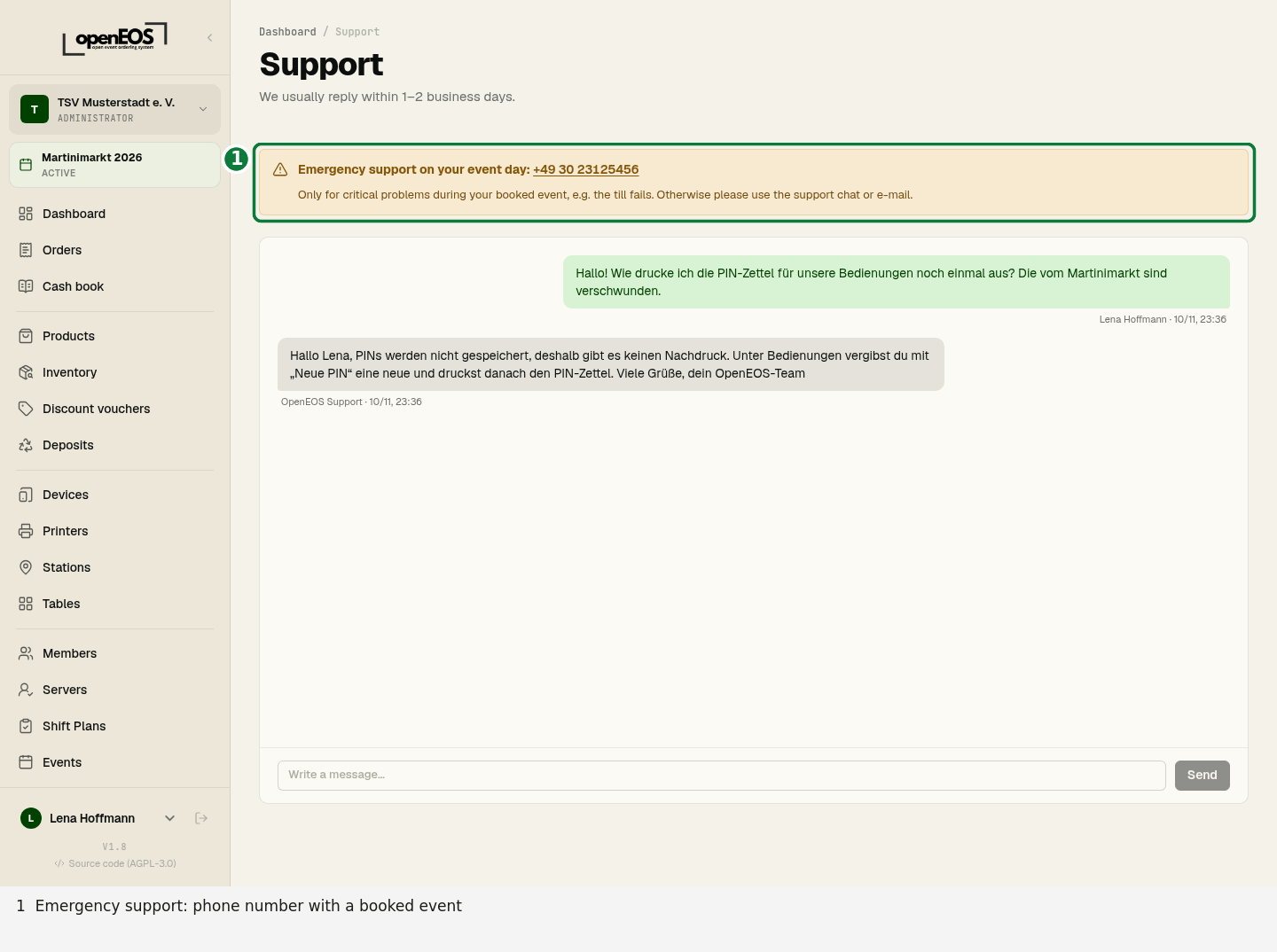
Where to find the number: As soon as your organization has booked (unlocked) an event, the number is shown
- in the app under Support, at the top in the box Emergency support on your event day,
- on the dashboard and on the events page while the event is "Planned" or "Active",
- at the till in the menu (☰ → Emergency support) while the event is selling for real – on a tablet or phone you can call directly from there,
- in the booking confirmation e-mail.
Once the event is over (including the grace period), the app hides the number again. There is no emergency support in test mode.
The number is meant for problems that stop your sales on the event day. Questions about the setup, requests and anything that can wait, please send via the support chat or e-mail – that keeps the line free for clubs whose till is down right now.
We don't provide on-site services; we help by phone, chat and e-mail. Response times are listed in our terms (section 18).
If you run OpenEOS yourself, LUXCODE's emergency support does not apply. The operator of an installation can set their own number (OPERATOR_EMERGENCY_PHONE); without it the app shows no emergency support.