Stations
Production stations (or just stations) determine where orders are routed — for example to the kitchen, bar, or serving area. This way, a sausage order goes to the grill and a beer order goes to the bar. Combined with printers and displays, stations keep operations running smoothly behind the scenes.
You can reach this section via Stations in the sidebar. Stations relate to the active event.
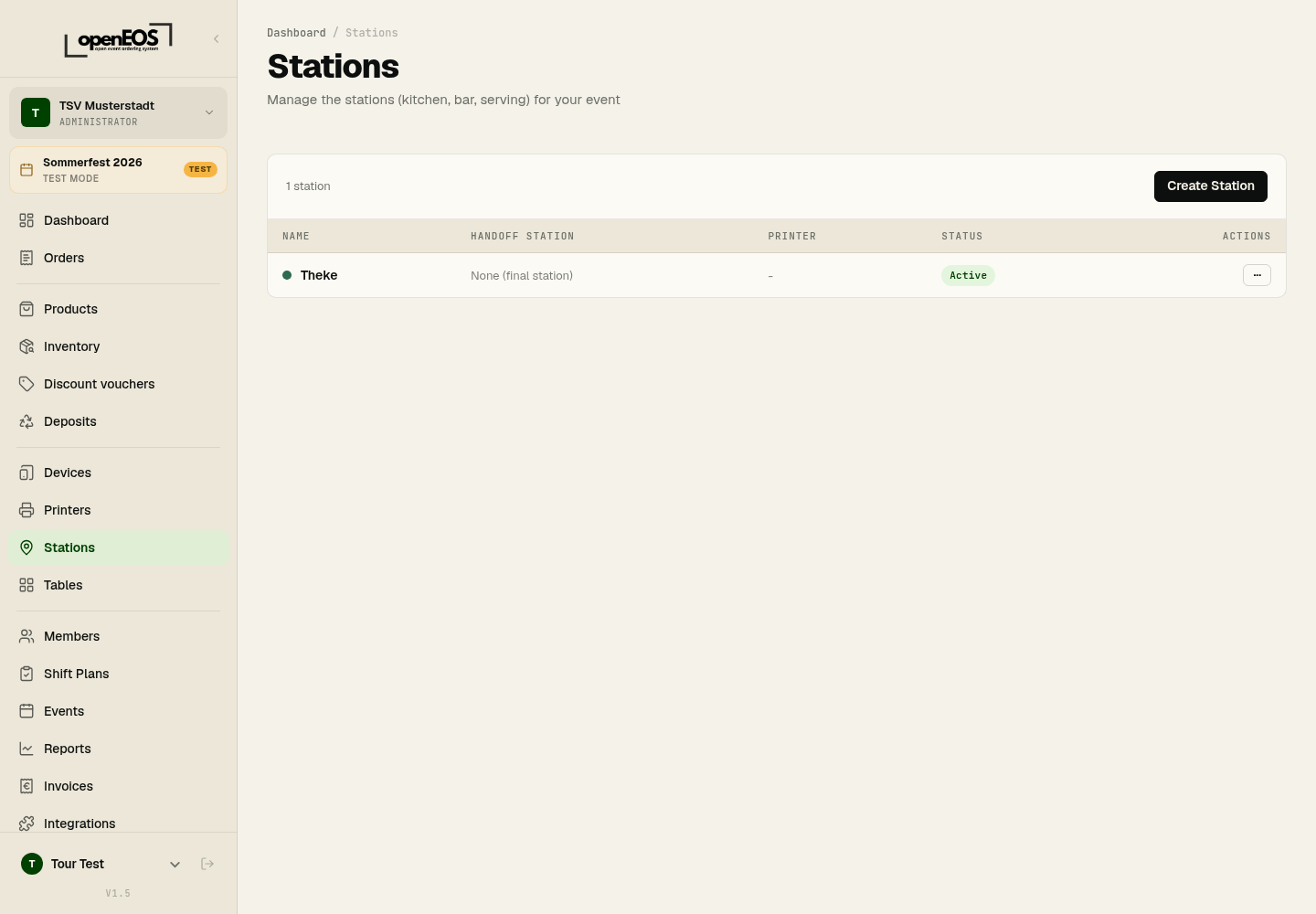
Create a station
- Click Create Station.
- Enter a name (e.g. "Kitchen", "Grill", "Drinks counter"), optionally a description and a color.
- If needed, choose a Handoff Station: completed items are forwarded there, for example from the kitchen to the serving area.
- Choose the printer that prints this station's tickets.
- Click Create.
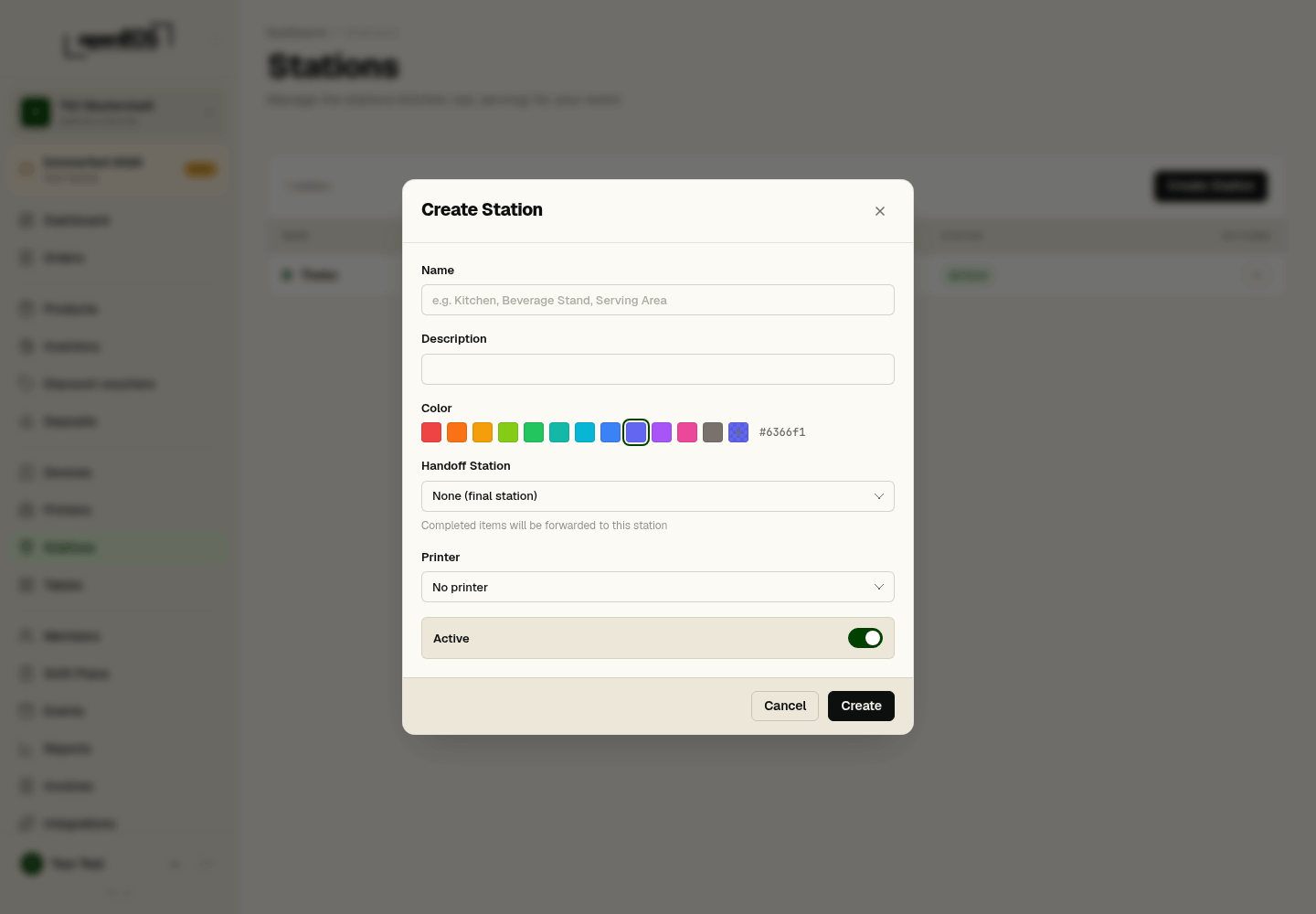
Which products belong to a station is not set here but in the dialog of the category or product, in the Station field. A station set on the product takes precedence over the category.
How stations work with printers and displays
Each station can have a printer (for kitchen or service tickets) and appear on a kitchen or bar display. When an order arrives at the till, items are automatically routed to the responsible station and printed or displayed there.
Note the difference between two kinds of displays: a kitchen or bar display shows the orders of a station (kitchen, bar, serving area) — that is what this page is about. A customer display belongs to a single till and mirrors its cart for the guest, regardless of stations.
Map your real serving points as stations. A clear separation between food and drinks output noticeably speeds up operations.