Registration & Login
To use OpenEOS, you first create a free account. Registration guides you through four steps covering your account, your details and your organization.
Creating an account
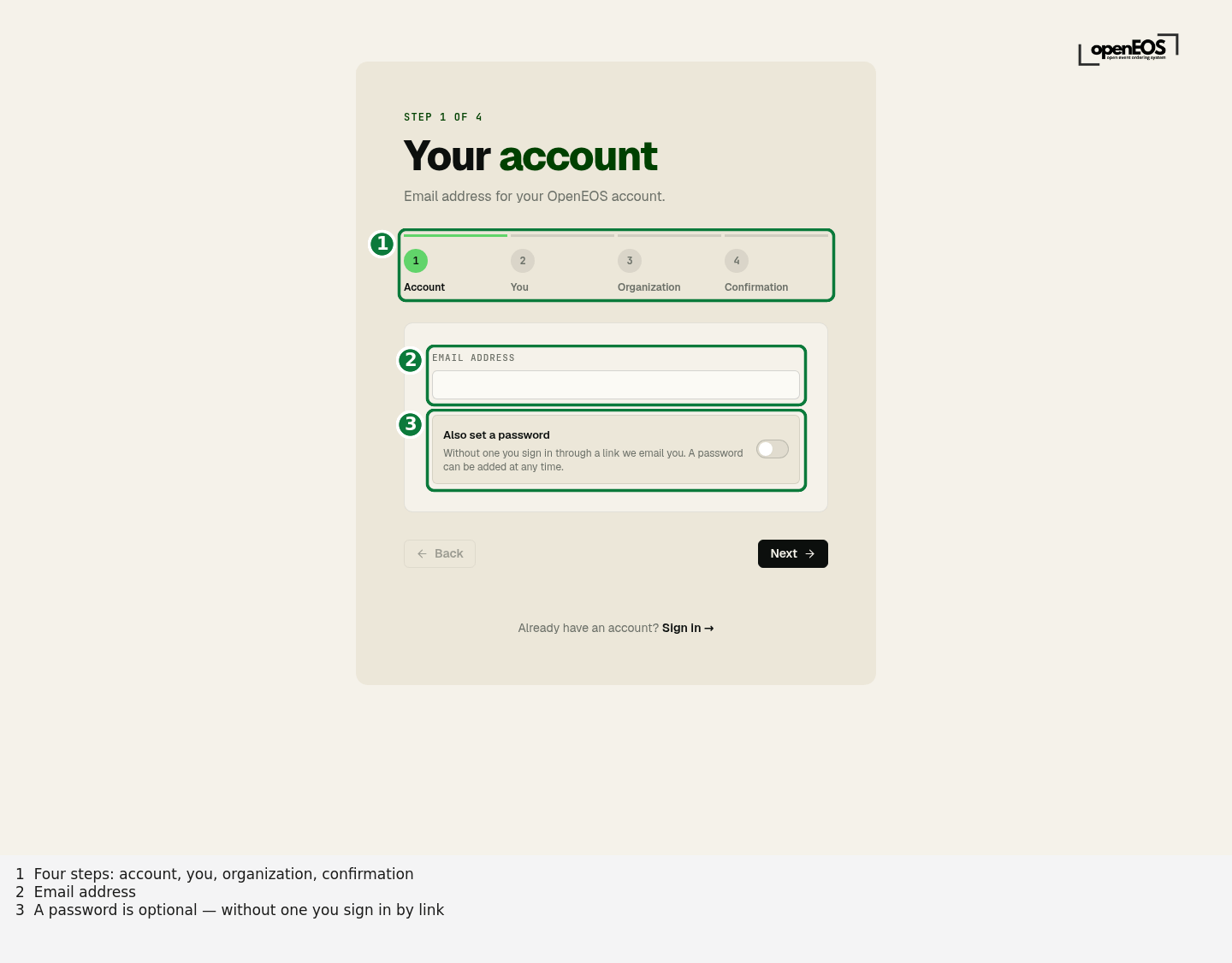
Go to app.openeos.de/register. Registration is divided into four steps, shown as a progress indicator at the top: Account → You → Organization → Confirmation.
Step 1 – Account
Enter your email address and click Next. A password is optional: without one you sign in later through a link OpenEOS emails you. If you want one anyway, switch on Also set a password. It must be at least 8 characters long and contain upper and lower case letters as well as a number.
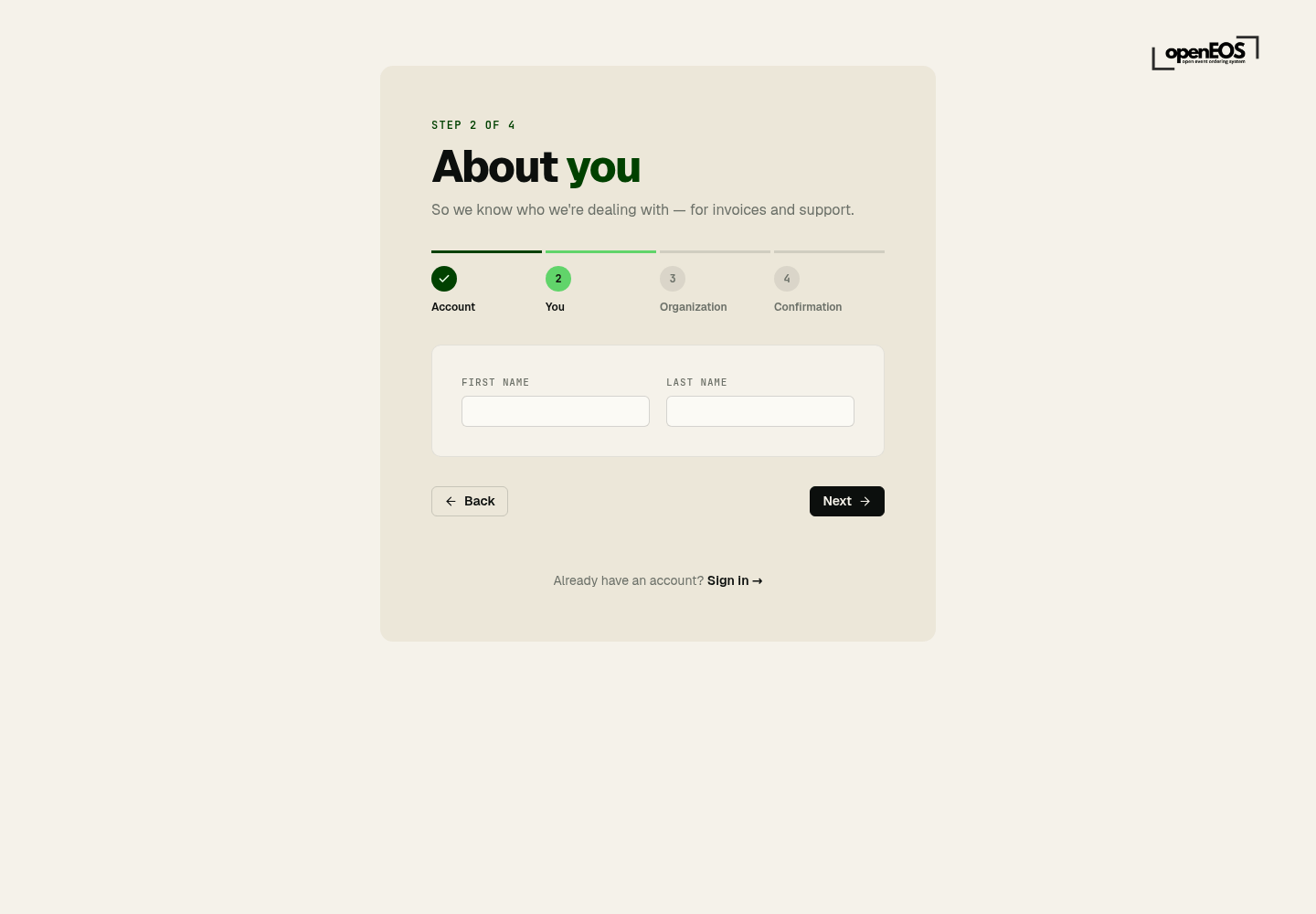
Step 2 – About you
Enter your first name and last name. These details appear later on invoices and in support communications, for example.
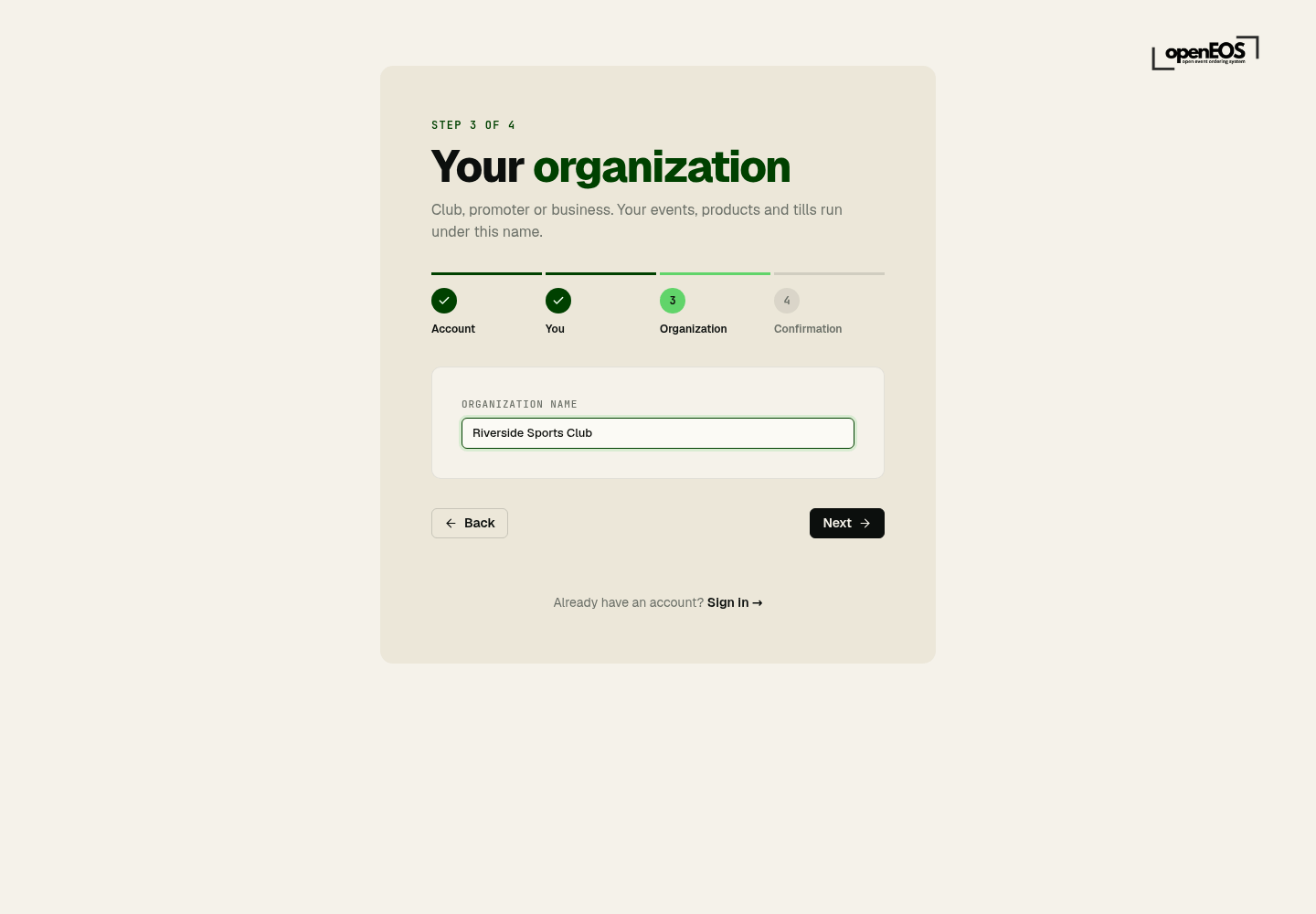
Step 3 – Your organization
Enter the name of your organization: your club, promoter or business. Your events, products and tills run under this name. It appears on invoices and receipts and can be changed at any time.
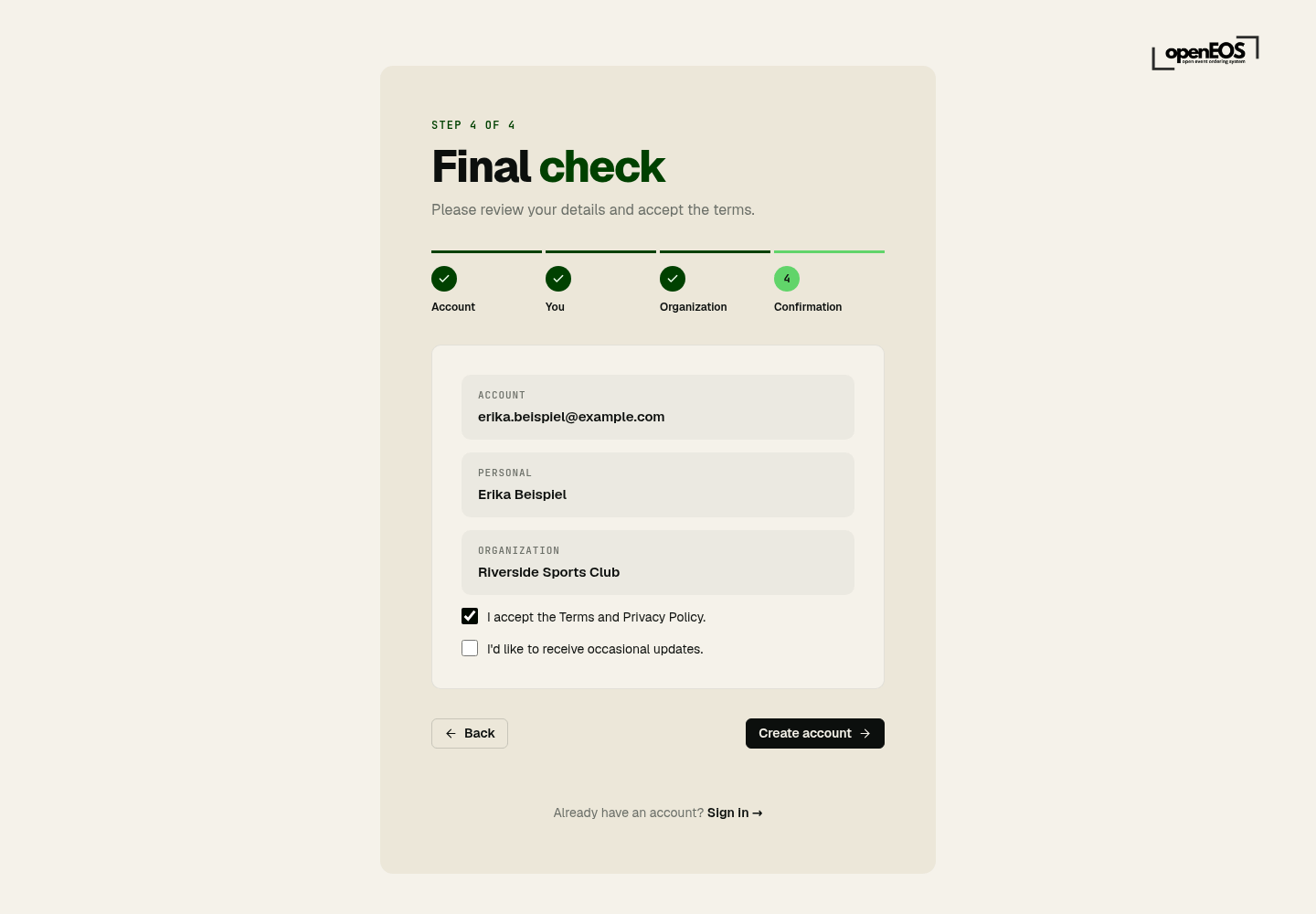
Step 4 – Final check
Review your details. Accept the terms and the privacy policy (required) and, if you like, occasional updates by email. Click Create account.
Confirming your email address
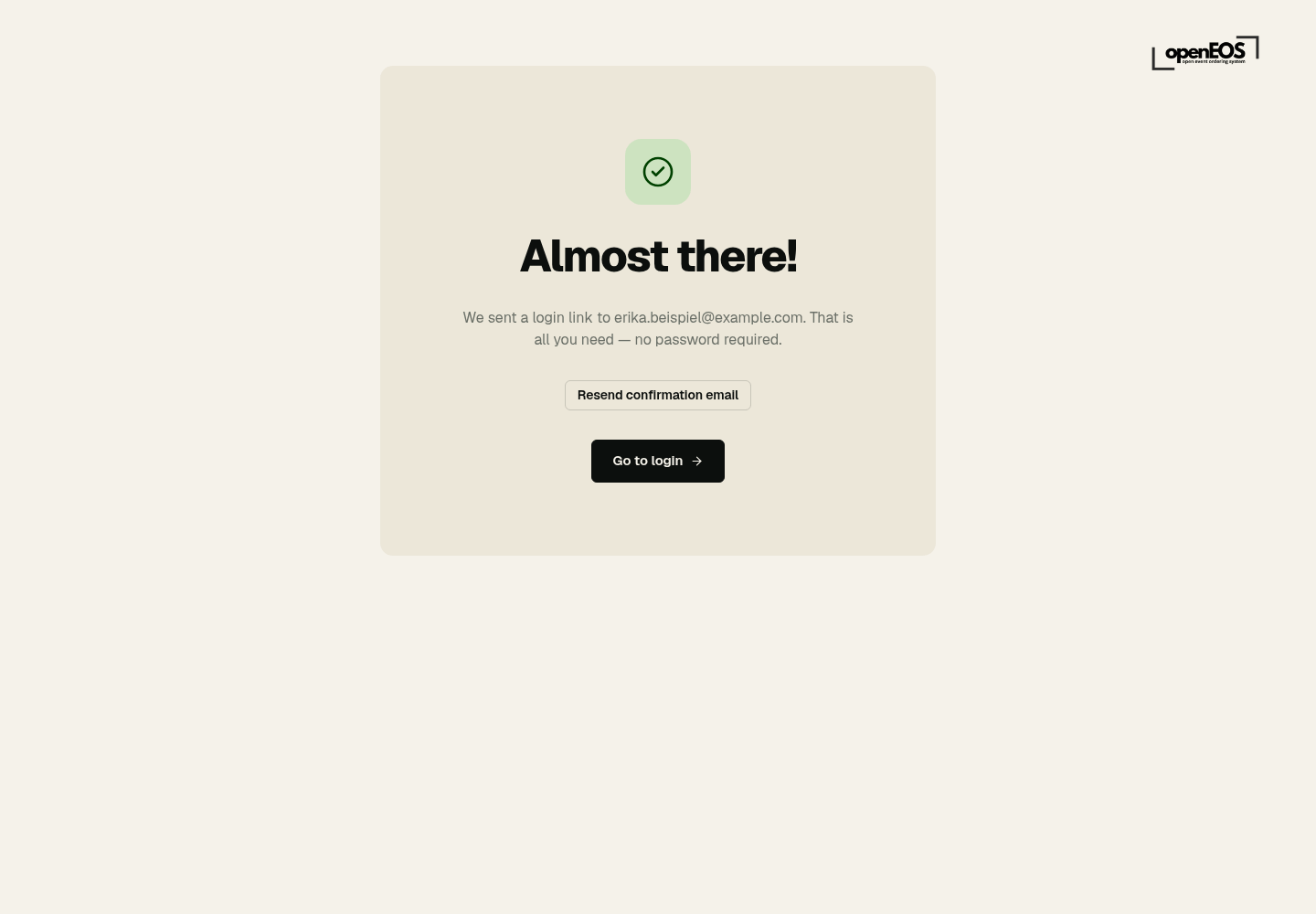
After you submit, Almost there! appears and OpenEOS sends you an email:
- Without a password you receive a sign-in link. One click confirms your address and signs you in straight away.
- With a password you receive a confirmation email. Click the link in it to activate your account, then sign in via Go to login.
If no email arrives, check your spam folder or click Resend confirmation email.
Confirm your email address promptly. Until the account is activated, you cannot sign in with a password.
Signing in
Go to app.openeos.de/login. There are two ways in:
Without a password — by link
This is how the sign-in page starts: you enter only your email address and click Send login link. One click on the link in the email signs you in — it is valid for 15 minutes and works once.
This is particularly handy on the day: anyone who cannot recall their password is still in within seconds.
A password is not required. You can run an account entirely on sign-in links and set a password later in the settings under Account.
With a password
Click Use a password instead, enter your email and password and choose Sign in. Stay signed in keeps the session on that device. Rather skip the password? Get a link by email takes you back to the link.
Forgotten password
Forgot password? sends you a reset link. Alternatively, just sign in with a link.
Other ways in from this page
- Use as device (POS terminal) — turns this device into a till, see Connecting devices
- Use as a display (screen) — turns this screen into a display, see Setting up screens
Switching the language
OpenEOS is available in German and English. Once signed in, click your name at the bottom left of the sidebar and choose German or English under Language. The same choice is under Settings → Personal → Preferences.