Discount Vouchers
Discount vouchers are discounts or perks that till staff can select during checkout — for example a volunteer discount or a free-drink voucher. You configure the available vouchers centrally so they are consistently available at all tills.
You can find this section via Discount vouchers in the sidebar.
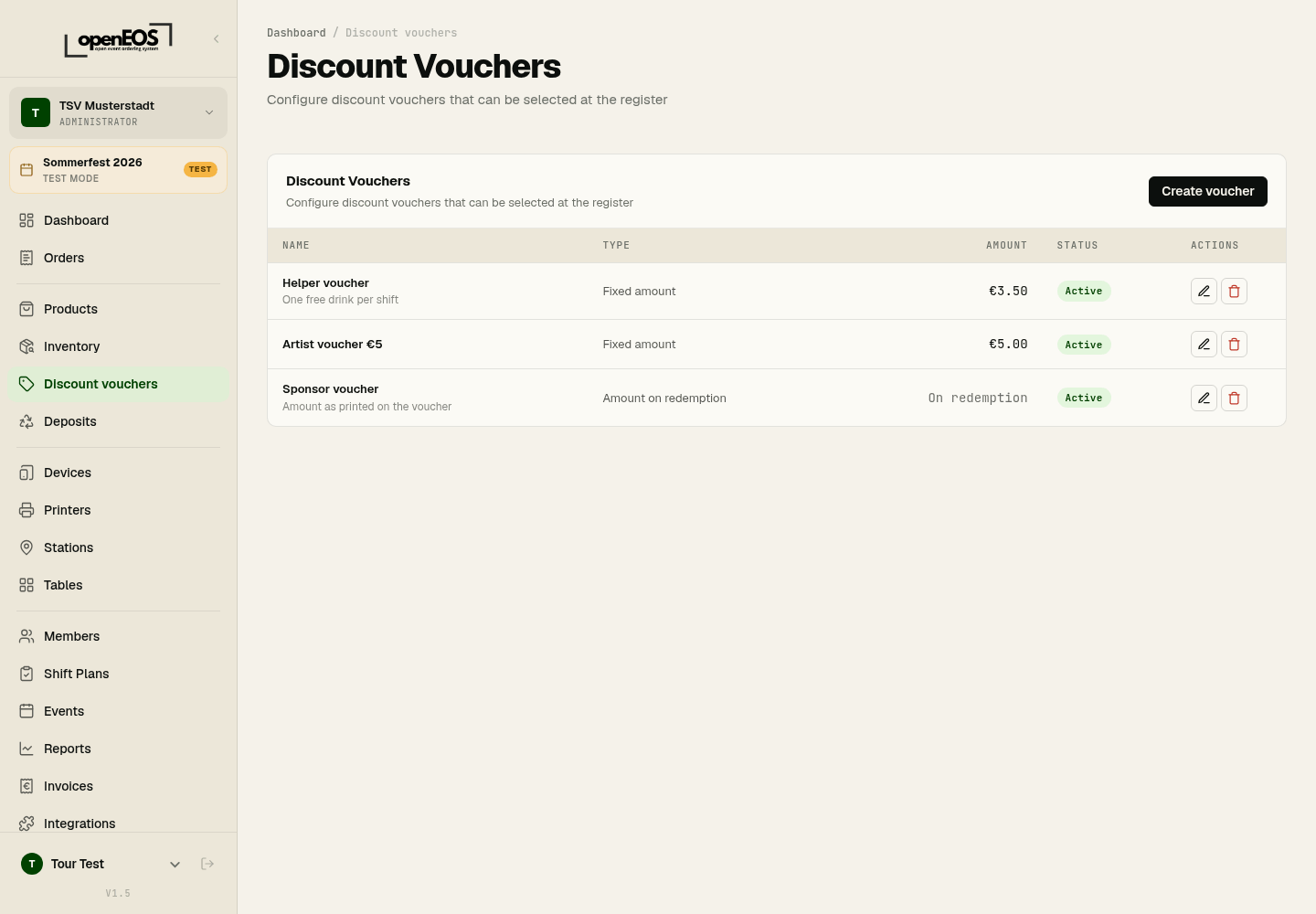
Create a discount voucher
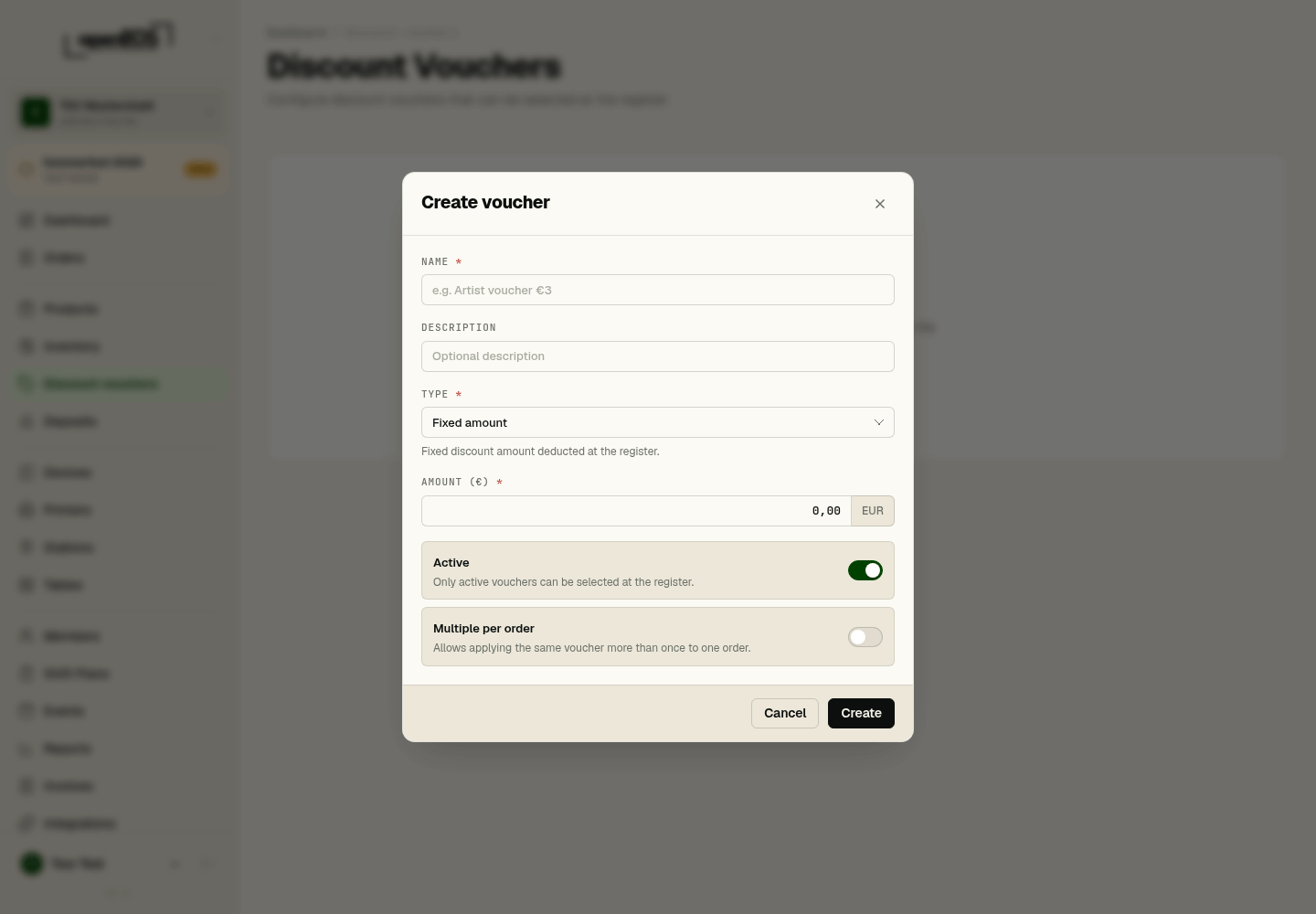
- Click Create voucher.
- Enter a name (e.g. "Helper voucher") and optionally a description.
- Choose the type:
- Fixed amount — the amount you enter is deducted at the till.
- Amount on redemption — till staff enter the amount when redeeming, e.g. for vouchers with a printed value.
- Leave Active on — only active vouchers can be selected at the till. Multiple per order allows the same voucher to be applied more than once to an order.
- Click Create.
Redeeming at the till
Till staff choose discount vouchers in the checkout window under the Discount payment method. The discount is applied to the order and appears later in the Reports. See Till for how this looks.
Typical use cases
Discount vouchers are ideal for volunteer perks, sponsor vouchers, or special promotions during an event.