Deposits
The Deposit module lets you charge a deposit on cups, bottles, or crockery. You define deposit types, assign them to products, and specify which sale types incur a deposit. At the till, the deposit is added automatically; when items are returned, the till pays it back.
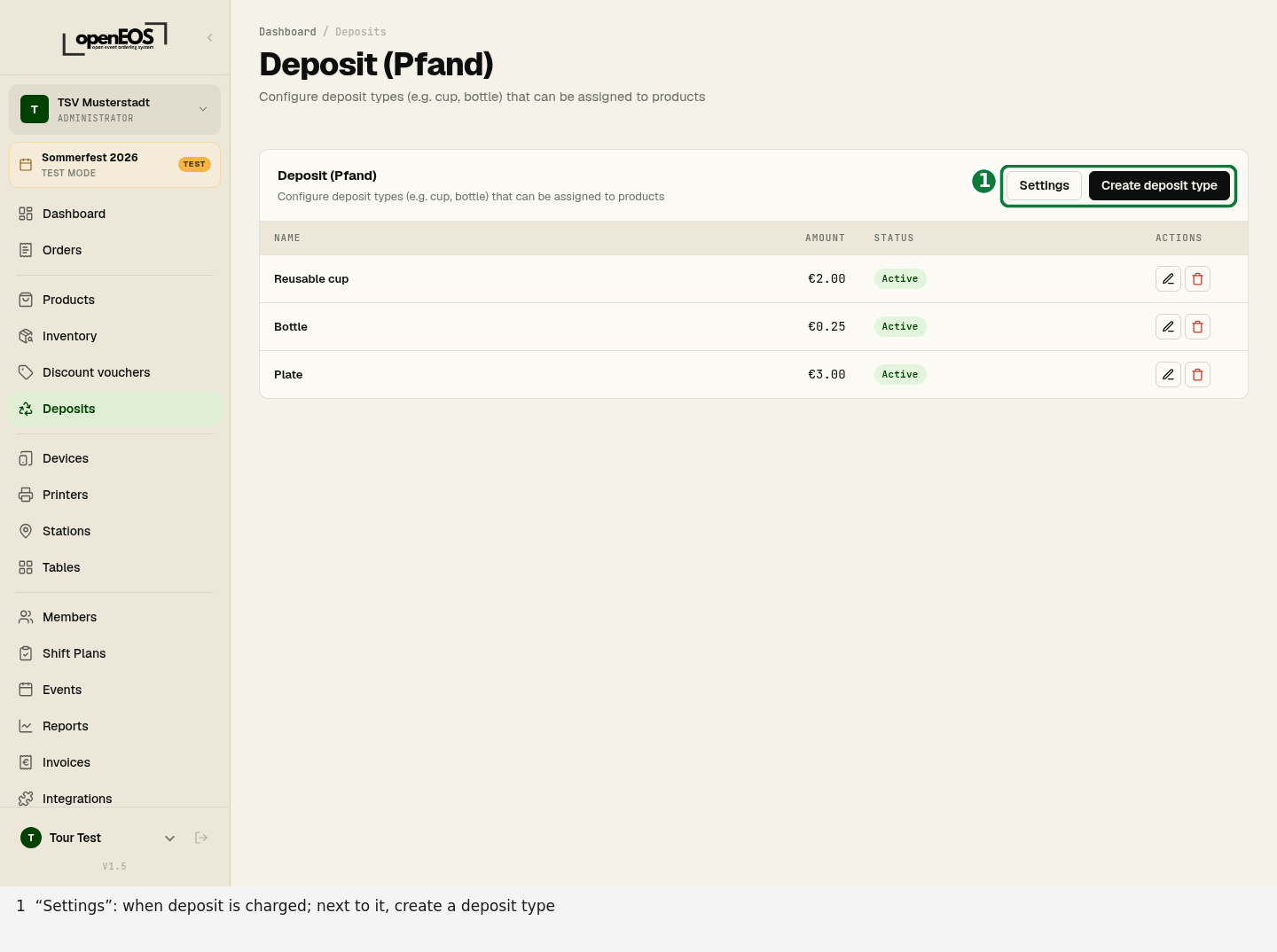
Create a deposit type
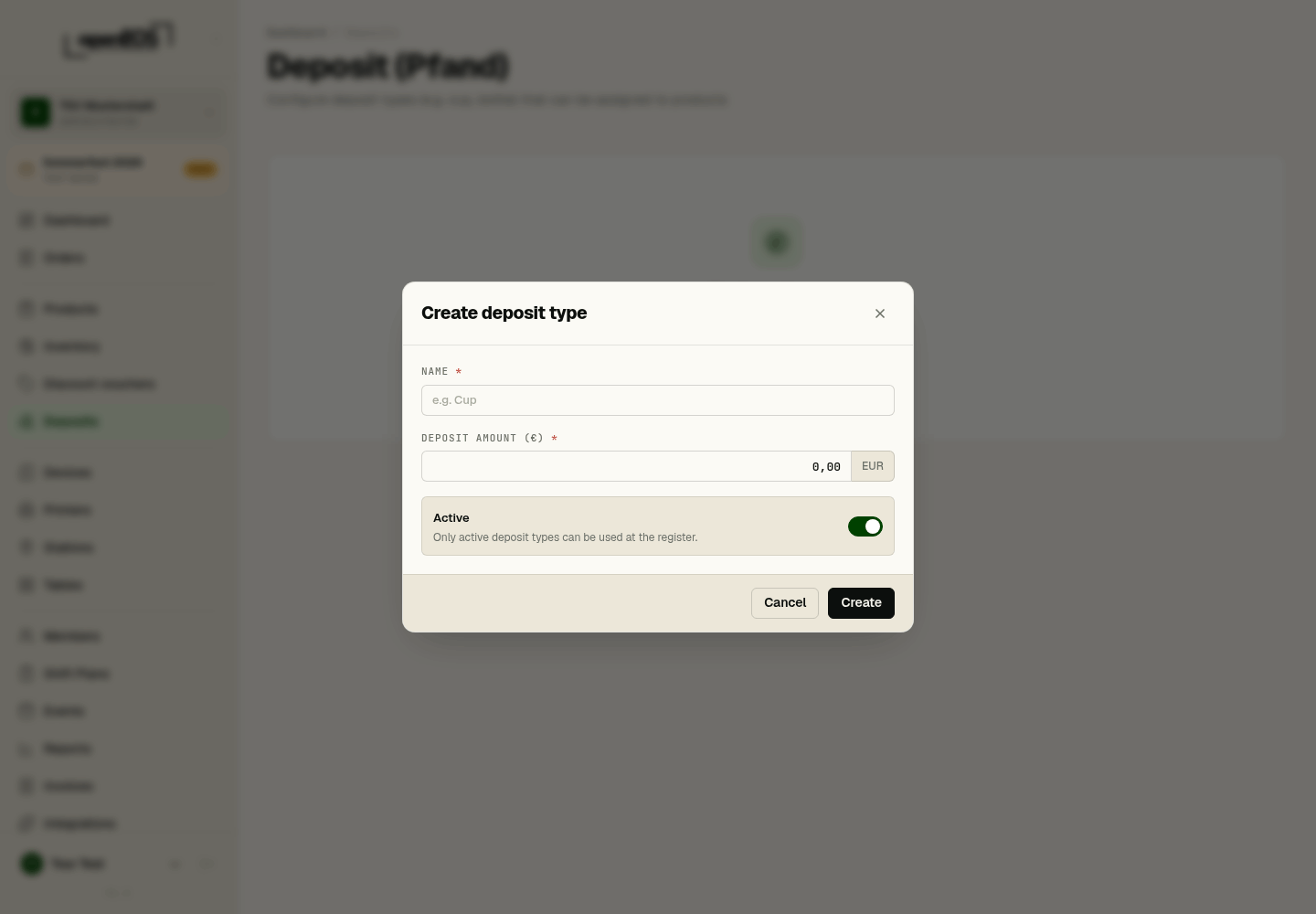
Click Create deposit type and define a deposit type, e.g. "Reusable cup" at €2.00. Only active deposit types can be used at the till. Then assign the deposit type in the dialog of your drinks or crockery products.
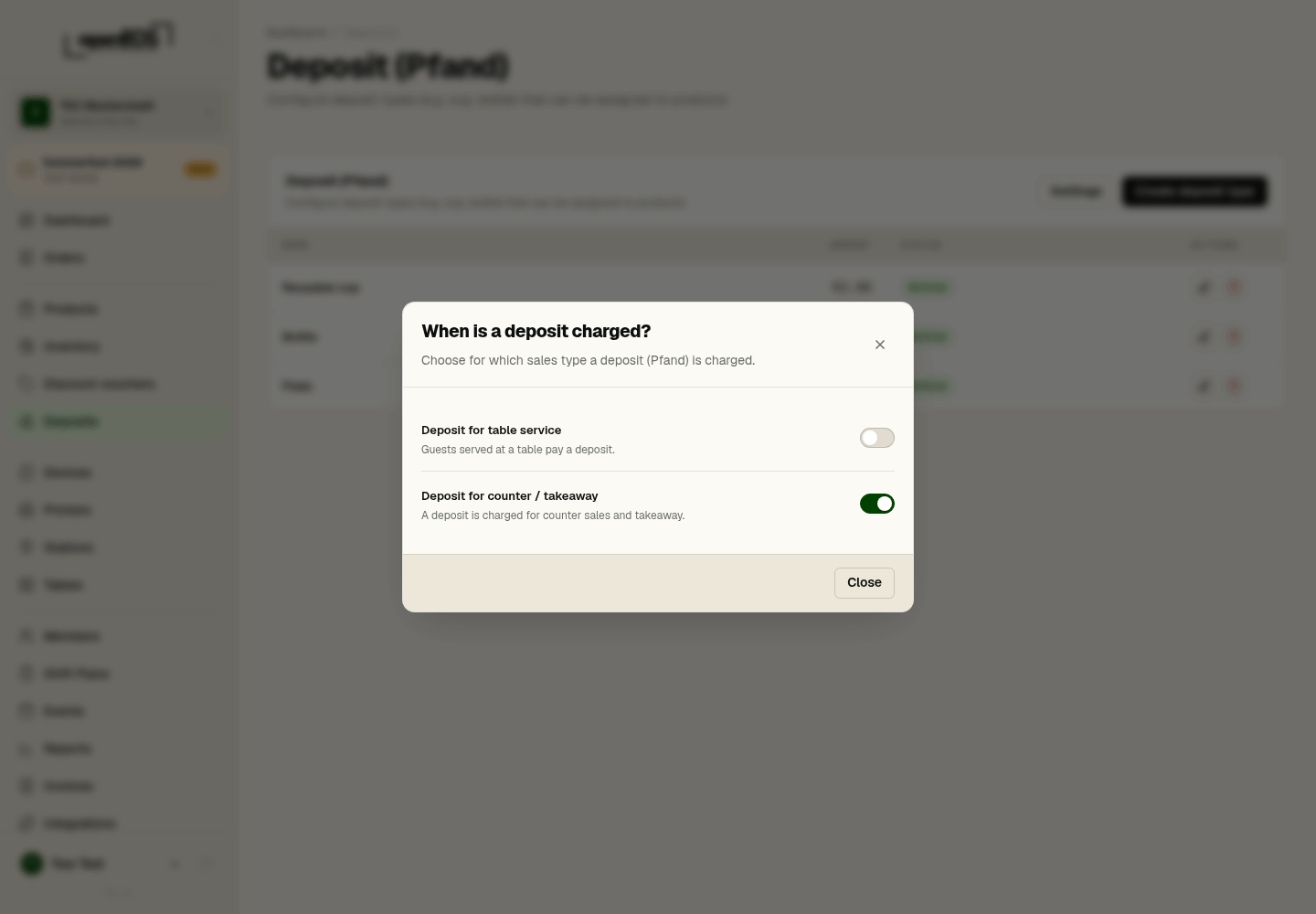
When is a deposit charged?
Via Settings in the list of deposit types you choose which sale types incur a deposit:
- Deposit for table service — guests served at a table pay a deposit.
- Deposit for counter / takeaway — a deposit is charged for counter sales and takeaway.
This lets you, for example, charge a deposit only on takeaway sales but not for table service.
Deposit in operation
- Issuing: When a deposit-bearing product is sold, the deposit amount is automatically added to the order.
- Returns: When a guest brings back cups or bottles, you book it at the till via the More menu or the deposit button in the cart — either paid out or offset against the next order. See Till for how this works.
- Reports: In the Reports section you can see the deposit balance — i.e. deposits collected versus deposits refunded.
The deposit balance helps you reconcile collected and refunded deposits at the end of an event.