Categories
Categories structure your range. At the till they appear as the left-hand column (as a bar at the top on a phone); tapping one shows its products. Typical ones are Drinks, Food, Cakes. Above all categories the till shows Favorites as soon as you mark products as favorites.
Categories used to have their own entry in the navigation. They now live where they are needed: on the products page.
Editing categories
- Open Products.
- Choose Edit categories at the top.
- In the dialog you can add categories, rename them, reorder them or delete them.
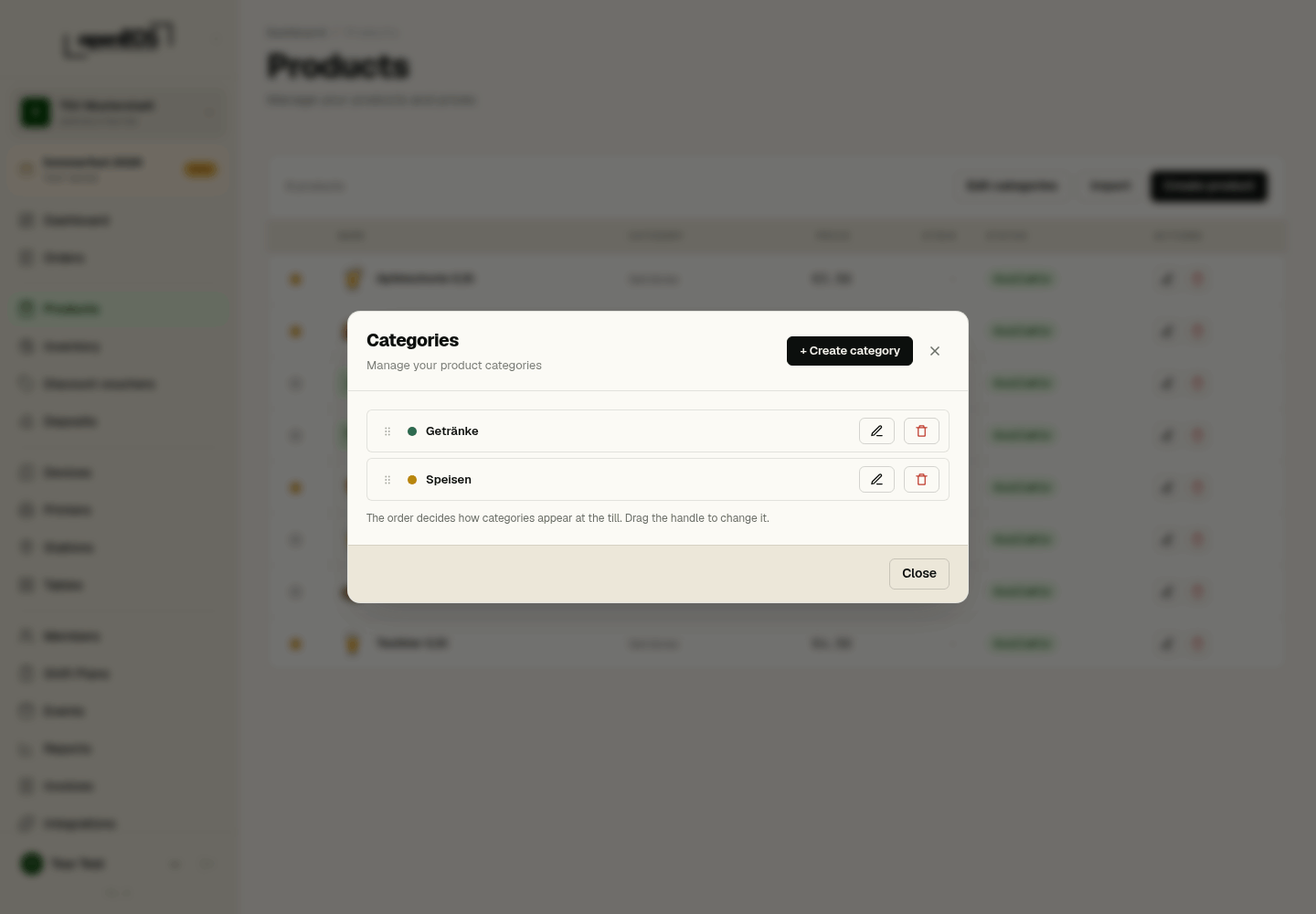
The order in the dialog is the order at the till. Put what sells most at the top — it saves your team a tap on every sale.
Icon
Every category can have an icon: in a category's dialog the Icon field opens the icon picker with line icons — food and drinks come first, and the search understands English and German terms such as "beer" or "coffee". The till shows the icon in the category bar and for every product in the category that has neither its own product icon nor an image.
Assigning a category
A product is given its category when it is created or edited, in the product dialog. A product always belongs to exactly one category.
Deleting
A category can only be deleted once no products remain in it. Move those to another category first.