Inventory
With the Inventory feature you record your stock levels and keep track of inventory control for an event. This way you always know how much stock is on hand and when to reorder.
Inventory is also tied to the active event. If needed, activate an event first.
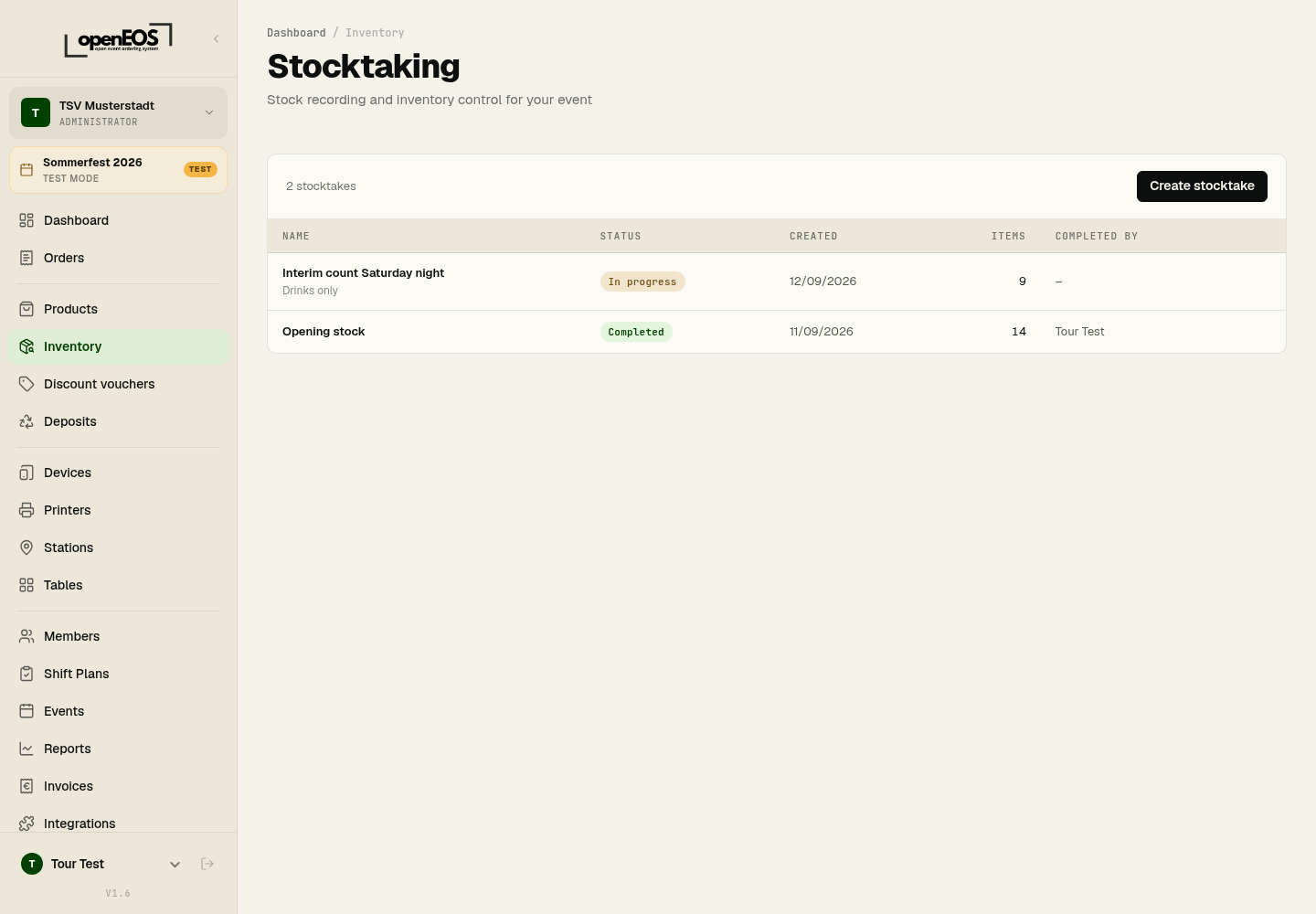
Creating and counting a stocktake
- Click Create stocktake.
- Enter a name ("End of day" with the date is suggested) and optional notes. All products with stock tracking are added to the list automatically.
- Click Create & Start.
- Enter the counted quantity for each product. Next to it you see the expected stock and the difference; each row can take a note. At the top you see how many products have been counted.
- Click Complete. Beforehand, OpenEOS shows which items have not been counted yet and where there are differences.
Completing sets the stock levels to the counted values. This cannot be undone. Instead, you can also cancel a running stocktake — the counted values are then discarded.
After completion
A completed stocktake shows a summary (counted, with difference, total difference) and a Reorder list, sorted by counted quantity: what is running lowest comes first. Export reorder list (CSV) takes it along for shopping.
Stock During Operations
During sales, the recorded stock decreases in line with sales. This lets you spot which products are running low early. The current stock level is also shown in the product list in the Stock column, and the dashboard has a Low stock tile for it.
Carry out an opening stocktake before the event and a closing one after it. The difference helps you track consumption and shrinkage.