Account, newsletter and deletion
This page explains how to delete your account, subscribe to or unsubscribe from news by email, what happens to the data when an organization is deleted, and which data OpenEOS deletes on its own. The legal basis is in the terms and conditions (sections 10.4, 15.10 and 20.5), the data processing agreement (section 10) and the privacy policy.
News by email
When you register you can optionally tick that you'd like to receive occasional news about OpenEOS. Under Settings → Personal → Account → News by email you can give or withdraw this consent at any time with the switch. Below it you see when you consented or withdrew; we keep both timestamps as proof.
Every news email also contains an unsubscribe link. It opens a page where you withdraw with Unsubscribe – no sign-in needed. Emails about your account (for example sign-in links, invoices or deletion notices) keep coming.
Delete your account
Under Settings → Personal → Account → Delete account you delete your user account yourself.
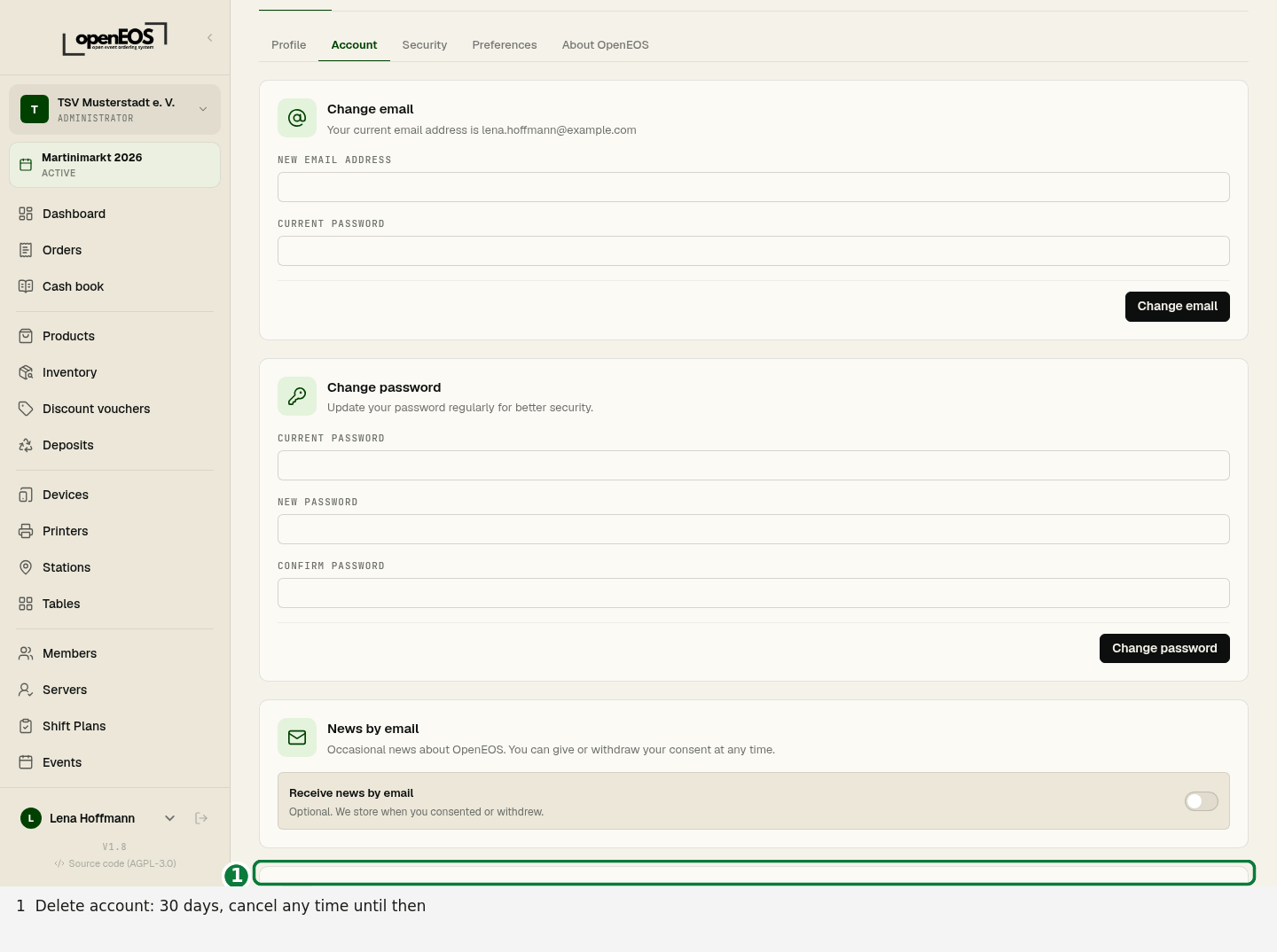
- Click Delete account …. The dialog shows what happens:
- Name, email address, password, two-factor sign-in, sessions and API tokens are removed and you are signed out.
- You lose access to all organizations.
- If you booked at the register, your name stays in the organization's fiscal archive as the operator for ten years (legal retention duty).
- Confirm with your password. If you have no password (you only sign in with a link), click Send code and enter the code from the email.
- You get a confirmation email.
This cannot be undone. In our backups the data expires after eight weeks at most.
When deletion is blocked
- You are the last administrator of an organization that still has other members, a running or paid upcoming event or an active Cloud TSE. Make someone else an administrator under Members first, leave the organization or delete it (see below).
- You booked transactions that aren't part of a cash point closing yet. Ask your club to create the closing first.
- Super admin accounts can't delete themselves.
As the only member: account and organization together
If you are the only member of an organization without a running event, it is deleted with your account. So that you can still export its data, we don't delete right away but only after the 30-day export period – account and organization on the same day. The dialog shows you the date.
Until then:
-
You can still sign in. Every page shows:
Your account and the organization “…” will be permanently deleted on …. You can export all data until then.
-
The organization is read-only – you can view and export everything as described under 30 days read-only.
-
You can no longer create or join organizations. Memberships in other organizations and your API tokens are removed right away.
-
You get a confirmation with the date right away and a reminder by email 10 days and one day before.
-
Cancel deletion in the notice at the top (or under Settings → Personal → Account) brings account and organization back as long as they aren't permanently deleted yet. Removed memberships in other organizations and API tokens don't come back.
On the date we permanently delete the organization's data (see Final deletion) and then your account. You get a last confirmation by email.
Delete an organization
Administrators delete an organization under Settings → Organization → General → Delete organization. To confirm, type the organization's name.
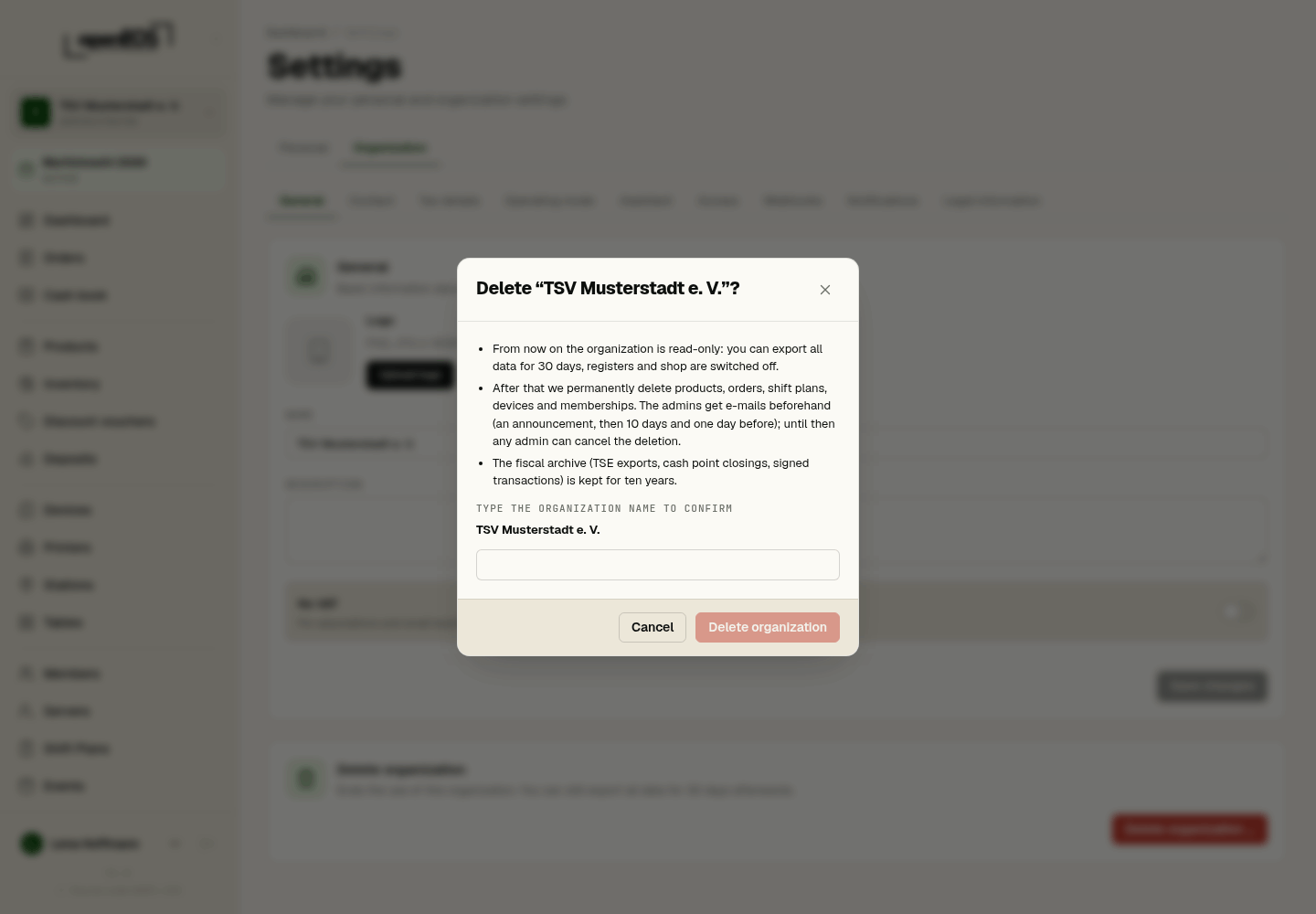
The same happens when OpenEOS closes a customer account after 24 months without a booking (T&C 15.10) – we announce that to the administrators by email 30 days beforehand and remind them again 10 days and one day before the closure. If you book an event until then, the organization stays.
30 days read-only: export your data
After deletion the organization stays visible to its administrators, but read-only. Every page shows:
This organization will be permanently deleted on …. You can export all data until then.
During this time you can view and export everything:
- Reports with CSV and PDF export,
- view orders and export them as CSV, view the cash book,
- with Cloud TSE: DSFinV-K export, cash point closings and TSE exports. You can still create a missing cash point closing.
Nothing can be changed anymore: saving, booking, new events and the like are rejected. Registers, displays and other devices of the organization stop working; the shop, table ordering and helper pages are no longer reachable. Members without administrator rights no longer see the organization.
Emails before the final deletion
The administrators get three emails: an announcement with the date (in the night after the deletion, 30 days before) and reminders 10 days and one day before. Each one names the date, what gets deleted, what stays, how to export and how to cancel. If the organization has no administrator anymore, the email goes to the billing address.
Cancel the deletion
Until the final deletion any administrator can take the deletion back: click Cancel deletion in the notice at the top of every page and confirm. The organization is fully usable again and the final deletion is called off. This also works for organizations closed for inactivity.
If the organization was deleted together with your account, cancel the deletion of your account instead.
Final deletion
When the export period ends we permanently delete products, settings, orders, shift plans, devices, access and memberships. What stays:
- the fiscal archive (TSE exports, cash point closings with DSFinV-K export, signed transactions, hospitality receipts with their orders) for the legal period of ten years, available through support,
- the billing of usage days (invoices) for the legal periods.
Earlier deletion on request
If you don't want to wait 30 days – for example after switching to another provider – write to [email protected]. We then delete the organization permanently right away and confirm it by email. The fiscal archive is kept as described above. This isn't possible yet while the Cloud TSE is still active or transactions without a cash point closing are open.
Log
Every deletion is recorded without contents in the OpenEOS deletion log: who deleted what and when, and how many records – but no names, email addresses or notes. That applies to the automatic deletion runs and to deletions you trigger yourselves – deleting an organization or cancelling that, removing members, deleting shift registrations (also together with a shift plan, job or shift), deleting your account. When a helper removes themselves from a shift via their link, that is recorded too.
Automatic deletion periods
On app.openeos.de OpenEOS deletes some data on its own after fixed periods, without you having to do anything (on your own installation this is off at first, see Retention and deletion):
- Guest data (name, phone number, email address and notes in orders, including shop and QR orders): 30 days after the end of the event. The orders themselves are kept for reports and the fiscal archive, just without these details. If you export orders later, the guest data is missing from the file.
- Shift registrations of helpers (name, contact details, notes): 30 days after the last shift of the shift plan. The shift plan with its shifts is kept, for example as a template.
- Servers: according to the periods under Servers → Automatic deletion.
- Menu imports of the assistant: uploaded files after 24 hours at the latest, the recognized suggestion after 30 days.
- Delivery log of webhooks: after 30 days.
- Support chat: 12 months after the last message and the end of use.
- Accounts without an organization that have not been used for 24 months: we announce this by email and anonymize the account 30 days later at the earliest. If you sign in before then, it is kept.
OpenEOS closes organizations without a booking after 24 months, as described under Delete an organization. Anything else you want to keep, export in good time. If you run OpenEOS yourself, you set the periods yourself.