Dashboard
The Dashboard is your home page after logging in. It gives you a quick overview of your organization's current business activity.
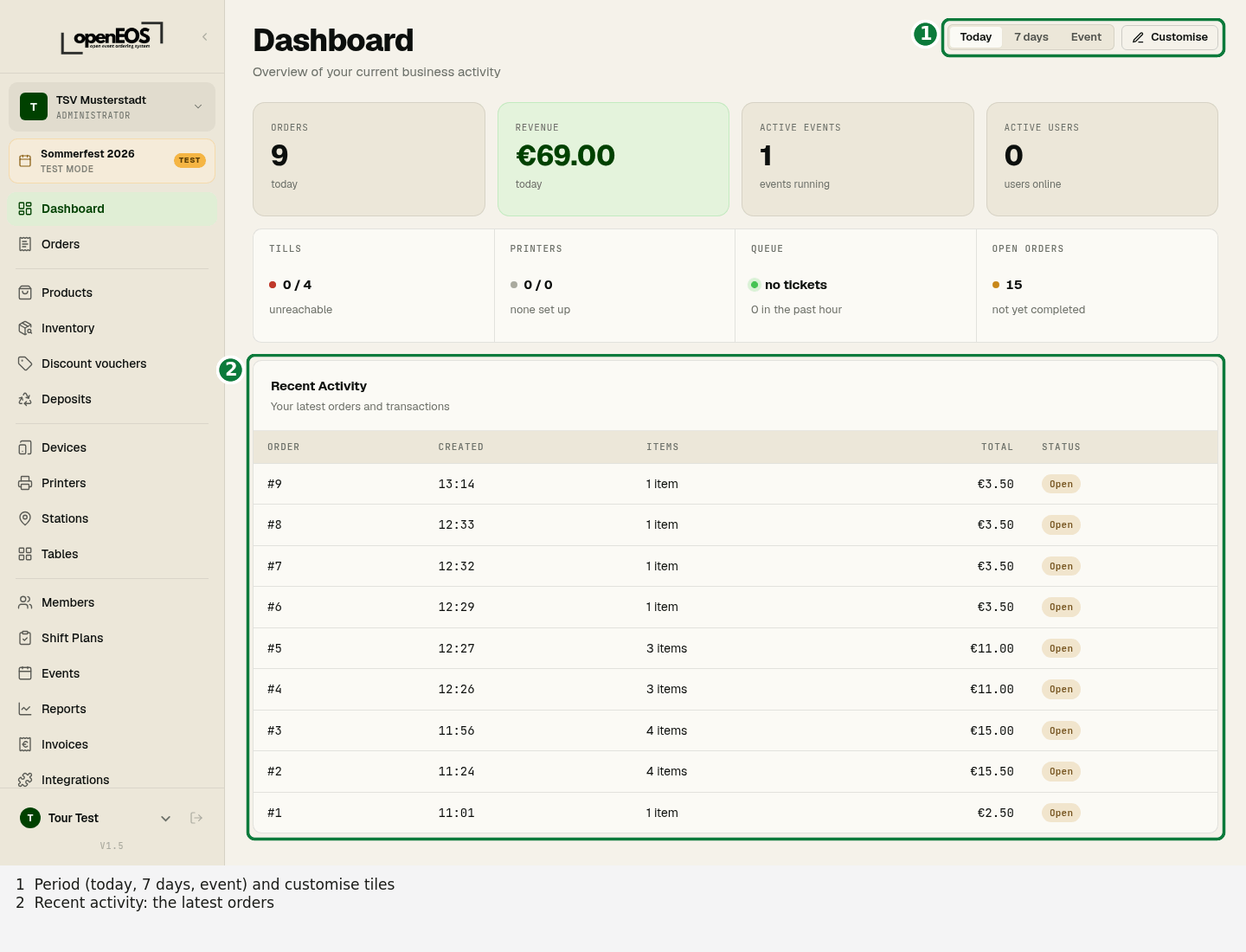
Period
At the top right you choose what the figures refer to: Today, 7 days or Event (the days of the active event). All tiles follow this choice.
Tiles
The dashboard is made of tiles. By default you see:
| Tile | Meaning |
|---|---|
| Orders | Number of orders in the chosen period |
| Revenue | Revenue in the chosen period |
| Active events | Number of currently running events |
| Active users | Users currently signed in |
| System status | Reachable tills, printers, print queue and open orders |
You add more tiles via Customise: Top products, Revenue by hour, Payment methods, Low stock and Activity (orders, payments and printing in real time).
Recent Activity
Below the tiles, the Recent Activity section lists your latest orders with time, amount and status. As long as no orders have been recorded yet, a notice appears here — start an event to begin accepting orders.
Customising the dashboard
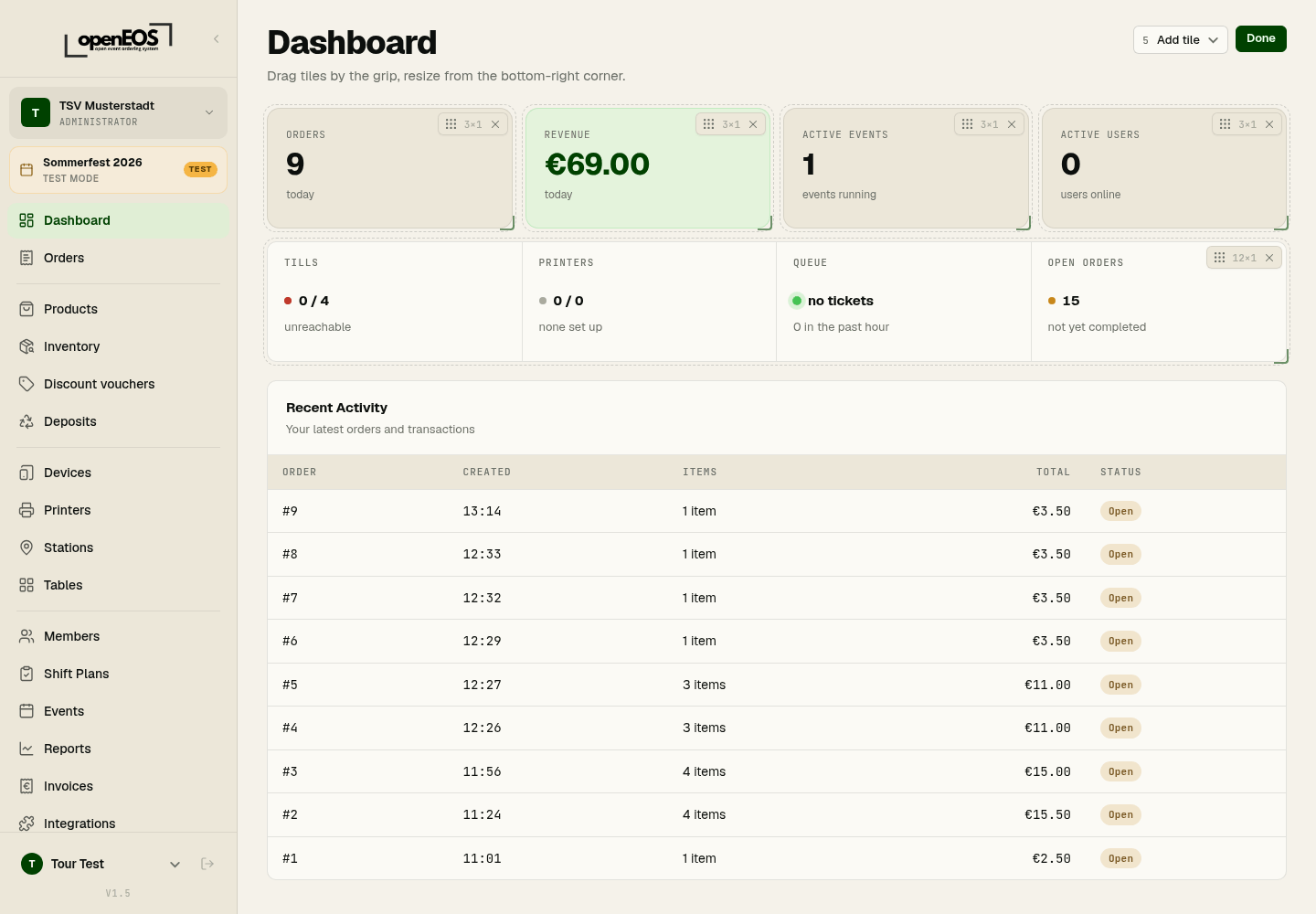
Click Customise at the top right. The tiles get a handle for moving, a corner at the bottom right for resizing and an × for removing. Add tile brings in more tiles. Done ends editing; the layout is saved for your account.
Active event
At the top left of the sidebar, below your organization's name, you can see the currently active event — in test mode with a Test badge. Many areas — such as products, stations and inventory — always refer to the currently active event. If none is active, activate an event first (see Events).